
Signing Up to the Web Portal
In order to use the Portal, or to log in to Control Studio, you must first create an account.
Navigate to https://portal.cntrl.io
Click the Log In button (Top Right). Click the Sign Up link at the bottom.
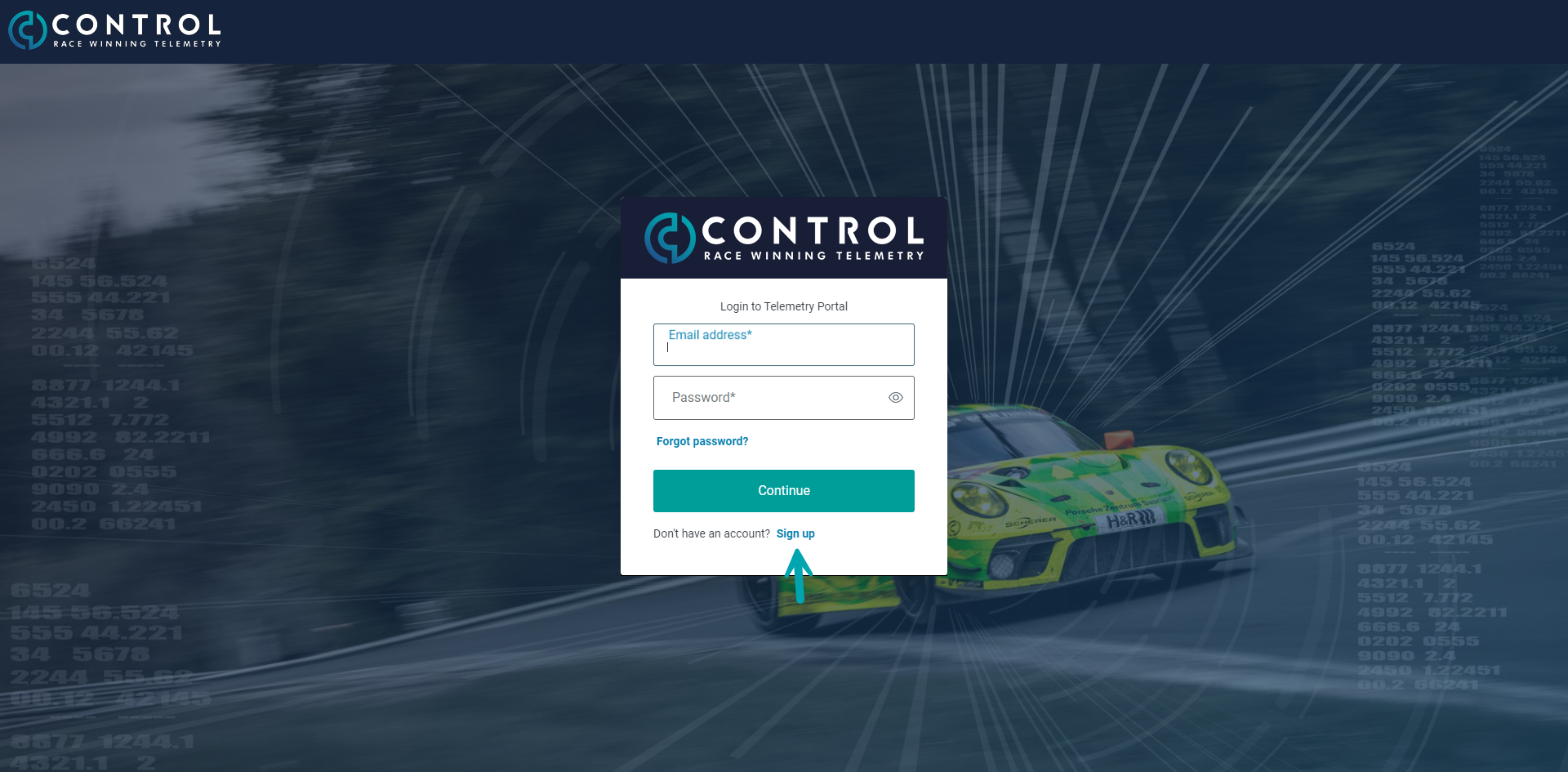
Enter your email address and a strong password. You will be directed back to the portal and will see the below message.
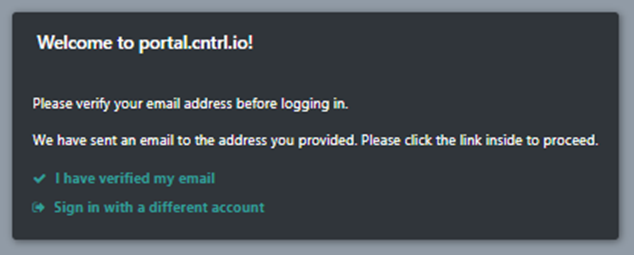
Please wait at this point for an email verification email to arrive, once it has arrived please click 'Confirm my account' link in the email
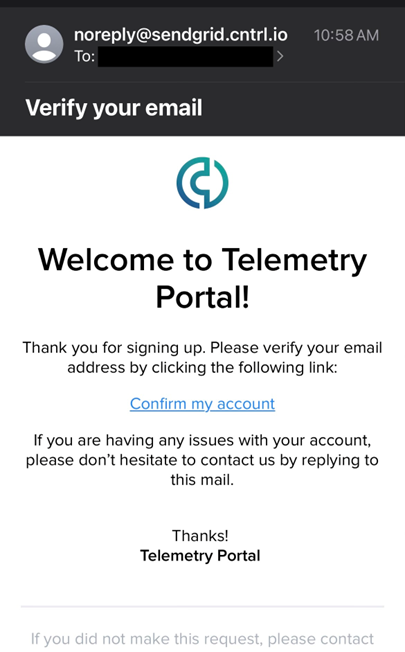
If no email arrives in 10-15 minutes and you have checked your spam folder please email support@cntrl.io and we can assist by manually verifying your email.
Log in to the portal, you will be asked to fill in some profile details
Once logged in please contact support@cntrl.io and request that your account be granted permission to the relevant Team or Manufacturer, Control may seek email confirmation from a recognised person within the specific organisation before this permissions can be granted.