
Activate a License
Edited
To activate a license, first open and log in to Control Studio as normal.
Navigate to File > License Manager.
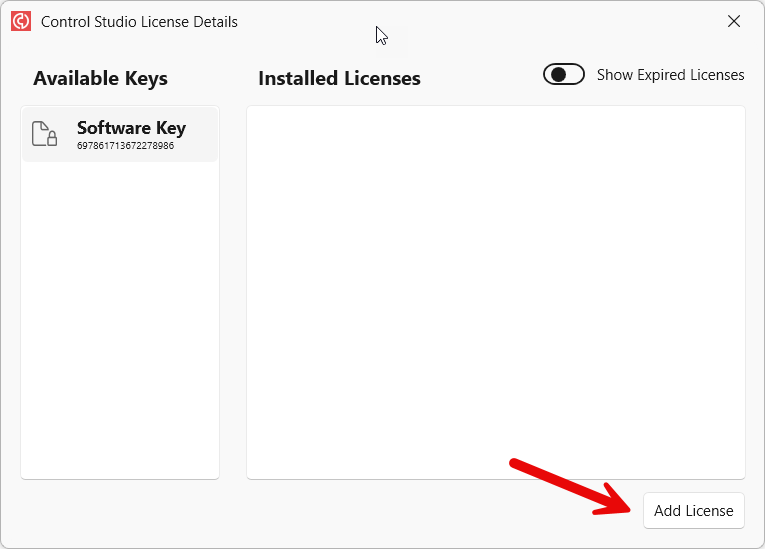
Click on "Add License" in the bottom right of the window.
Select an appropriate license from the list and click "Activate License".
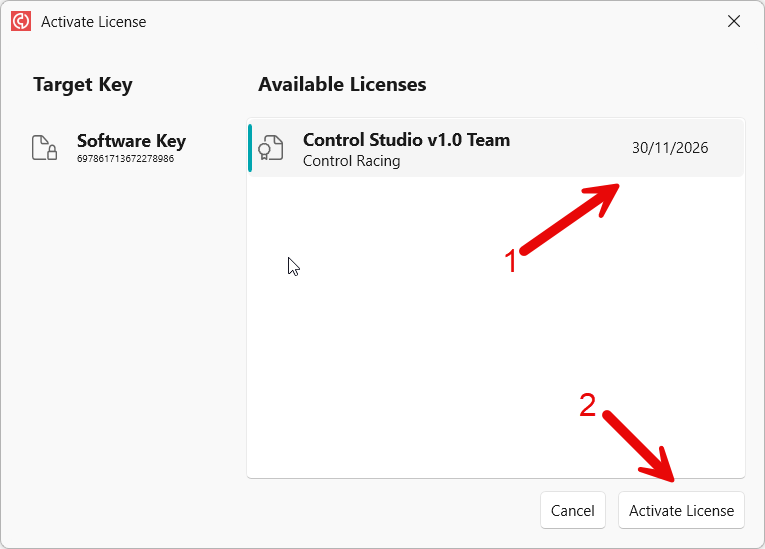
If there are no licenses visible in the list, please contact Control Support for assistance.
Was this article helpful?
Sorry about that! Care to tell us more?